The Shark Navigator Lift‑Away DLX UV440 Manual offers step‑by‑step guidance for new owners․ It covers safety, setup, and key features, ensuring you maximize performance․ With clear diagrams and troubleshooting tips, this guide helps maintain a clean home effortlessly․ Follow steps daily for optimal cleaning․
Product Overview
The Shark Navigator Lift‑Away DLX UV440 combines powerful suction with versatile design, making it a top choice for homeowners seeking efficient, multi‑surface cleaning․ This model features a 2‑in‑1 lift‑away system that allows the main unit to be detached and used as a portable handheld vacuum, while the base remains on the floor for deep cleaning․
Its ergonomic handle and lightweight construction (approximately 12 lb) enable easy maneuverability around furniture and tight spaces․ The 2‑stage filtration system—comprising a pre‑filter and a HEPA‑grade filter—captures 99․9 % of airborne particles, including allergens and pet dander, ensuring cleaner air quality․ A washable filter makes maintenance simple and cost‑effective․
The vacuum’s “Lift‑Away” mode is activated by a dedicated button, instantly separating the canister from the base․ This feature is ideal for reaching high or low areas, such as ceilings, vents, and under sofas, without the need for a ladder․ The detachable canister also doubles as a handheld unit, providing a convenient solution for spot cleaning or upholstery tasks․
Additional accessories include a crevice tool, dusting brush, and a 2‑in‑1 extension wand, allowing users to tackle a variety of cleaning scenarios․ The Shark Navigator DLX UV440’s sleek, modern design features a brushed metal finish and a clear dust bag indicator, giving users real‑time feedback on bag capacity․ Its controls and quiet operation make it ideal for households with pets and children!!
Manual Objectives
The primary goal of this manual is to equip users with comprehensive knowledge for safe, efficient, and effective operation of the Shark Navigator Lift‑Away DLX UV440․ It outlines essential safety precautions, ensuring that users understand potential hazards and how to mitigate them․ The manual also provides step‑by‑step assembly instructions, enabling a smooth setup process that preserves the vacuum’s performance and longevity․ Operational guidance covers all features, including the lift‑away function, brush roll activation, and suction control․ Maintenance instructions cover filter replacement schedules, bag disposal, and cleaning tips to keep the machine running at peak efficiency․ The manual explains warranty terms and customer support procedures, giving owners confidence that their investment is protected․ By following these objectives, users can maximize the DLX UV440’s capabilities, maintain a cleaner indoor environment, and enjoy a hassle‑free cleaning experience․ The manual also highlights energy‑saving tips, such as using the appropriate suction level for different floor types, which helps conserve power while delivering optimal results․ The troubleshooting section includes a quick‑reference chart for common error codes, making it easier to identify and resolve problems without external assistance․ Users are also guided on how to properly store the unit during seasonal downtime, preventing dust buildup and extending the life of the motor․ Regular inspection of the brush roll and wand is recommended to detect wear and tear, ensuring that the vacuum continues to perform at its best․ The manual encourages users to clean the filter and replace the bag as needed, which helps maintain suction power and prolongs the machine’s lifespan․ By adhering to these maintenance practices, owners can enjoy consistent performance and reduce the likelihood of costly repairs․ To keep the vacuum in top condition, replace the pre‑filter every 30 days or when it appears clogged, and replace the HEPA filter every 12 months․ Empty the bag when it reaches 80 % capacity, and discard it in accordance with local regulations․ Inspect the brush roll for hair or debris after each use and trim any tangled strands with scissors․ Clean the wand and crevice tool with a damp cloth, ensuring no dust remains in the nozzle․ Store the unit in a dry, well‑ventilated area when not in use, and avoid stacking heavy objects on the base to prevent damage․ If you encounter any issues, contact Shark’s customer service via phone or online chat; the company offers a one‑year limited warranty on parts and labor․ Follow these steps for best results․
Setup and Installation
Begin by unboxing the Shark Navigator Lift‑Away DLX UV440․ Verify all parts: motor, bag, filter, brush roll․ Attach the brush roll, insert the bag, and connect the wand․ Secure the lift‑away mechanism, then power on to test suction․ Follow safety warnings․ See manual․
Unboxing Checklist
Before you start assembly, verify that every component is present and undamaged․ The Shark Navigator Lift‑Away DLX UV440 package should contain the following items:
- Vacuum body with lift‑away base
- Lift‑away wand and hose assembly
- Brush roll (standard and optional pet hair)
- Dust bag and filter (HEPA or standard)
- Power cord and adapter
- Manual and warranty card
- Safety instructions and quick‑start guide
- Cleaning accessories (crevice tool, upholstery tool)
- Storage bag for the vacuum
Inspect each piece for scratches, missing screws, or broken seals․ If anything is missing or damaged, contact Shark customer support before proceeding․ Keeping the original packaging and parts list will help with future maintenance and warranty claims․
After confirming all components, store the vacuum in a dry, dust‑free area․ Label the bag and filter for easy identification․ Keep the user manual in a safe place for future reference․ For optimal performance, follow the maintenance schedule outlined in the manual․ If you encounter any issues, consult the troubleshooting section or contact support․
Remember to replace the filter every 3 months or when it becomes visibly dirty․ The brush roll should be cleaned weekly to remove hair and debris․ Store the vacuum in a well‑ventilated area to prevent moisture buildup․ Keep the power cord untangled and free from damage to ensure safety․
Enjoy a clean home and extend your Shark Navigator’s life now!!
Assembly Instructions
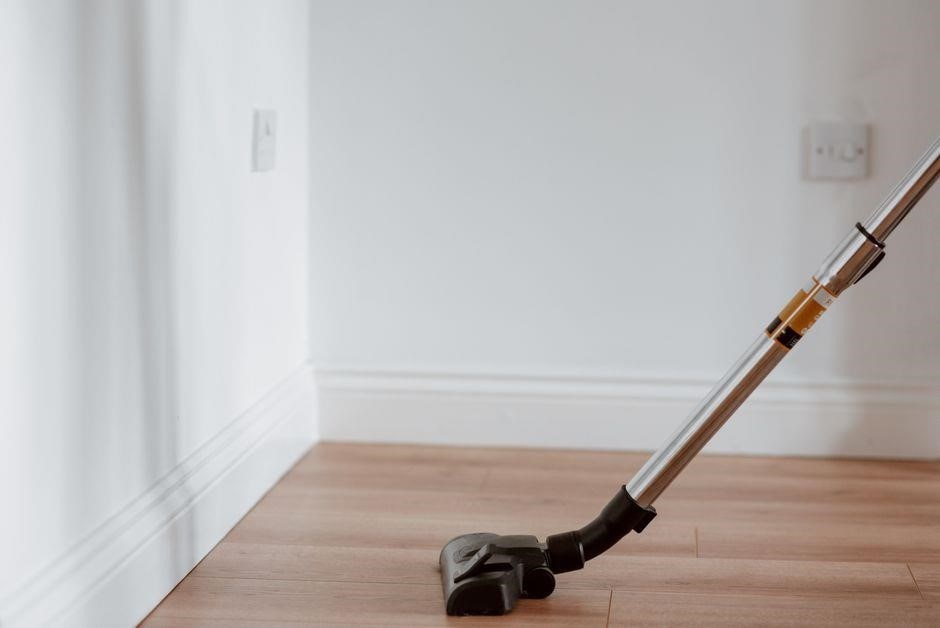
Follow these steps to assemble the Shark Navigator Lift‑Away DLX UV440․ Keep all parts organized and refer to the diagram in the manual for visual guidance․
- Attach the brush roll․ Slide the roll into the vacuum body until the locking tabs click․ Ensure the brush is centered and rotates freely․
- Insert the dust bag․ Open the bag, place it in the compartment, and secure the clip․ Check that the bag is fully seated to prevent leaks․
- Connect the filter․ Slide the filter into the designated slot, aligning the arrows․ Tighten the filter ring until it locks in place․
- Attach the lift‑away wand․ Align the wand’s connector with the base’s latch․ Push until the latch clicks, then pull the wand to lock it in position․
- Secure the hose․ Insert the hose into the wand’s hose port․ Twist to lock and ensure a snug fit to avoid vacuum loss․
- Attach the power cord․ Plug the adapter into the base’s power inlet․ Connect the cord to the base, ensuring the plug is fully seated․
- Test the unit․ Turn on the vacuum․ Verify that the brush roll spins, the wand lifts, and suction is adequate․ Adjust settings as needed․
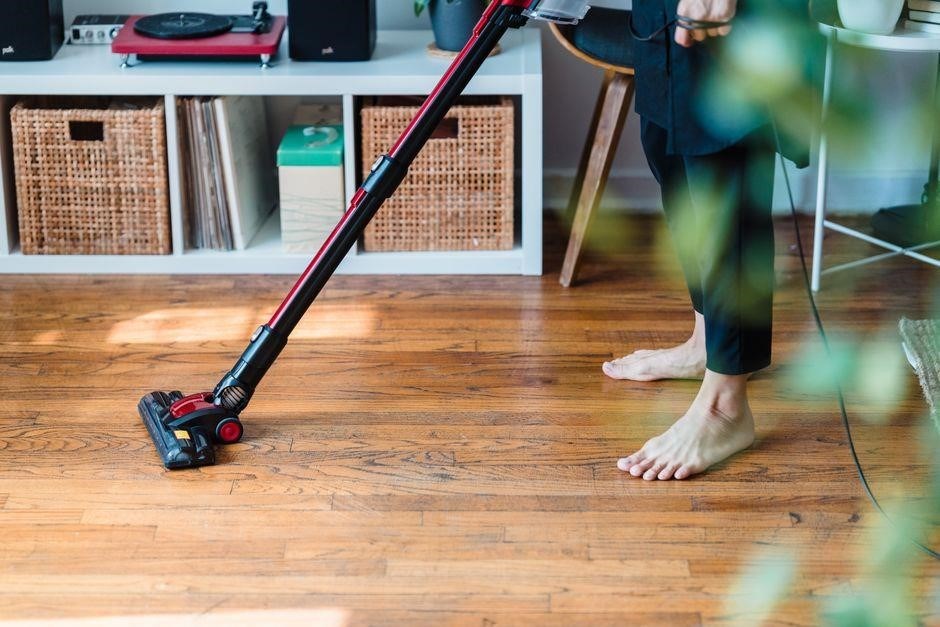
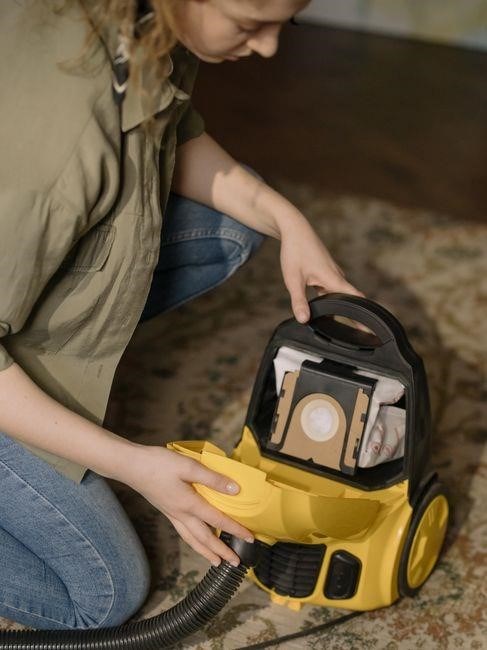

Once assembled, store the vacuum in its bag, keeping the brush roll and wand protected․ Follow the maintenance schedule for optimal performance․
Brush roll free of debris, ensure the hose is not kinked, verify the power cord is connected before use․ Store! a unit in a place to maintain suction efficiency․

Operation and Features
The Shark Navigator Lift‑Away DLX UV440 offers adjustable suction, a 2‑in‑1 mode, and a self‑cleaning brush roll․ Its UV‑LED light spotlights hidden dust, while the HEPA filter captures allergens․ Easy‑to‑use controls and a detachable wand make cleaning versatile․
Lift-Away Mode Mechanics
The Lift‑Away feature transforms the Shark Navigator DLX UV440 into a versatile cleaning tool․ A quick lever release detaches the motorized base, allowing the wand to function as a lightweight handheld vacuum․ The base remains powered, so you can vacuum large areas without moving the unit․ When re‑attached, the wand locks securely, restoring full suction and brush roll operation․ The detachable design also simplifies storage and transport, especially in tight spaces․ For optimal performance, ensure the base’s filter and brush roll are clean before detaching․ The motor’s torque remains consistent in both configurations, delivering reliable suction for carpets, hard floors, and upholstery․ The integrated LED light illuminates hidden dust, while the HEPA filter captures allergens․ The Lift‑Away mode is ideal for reaching high or low spots, cleaning stairs, or tackling delicate surfaces․ To detach, press the release button on the base, lift the wand, and slide it off․ Reattach by aligning the docking pins and pushing until the click engages․ Always check that the wand’s suction nozzle is clear of obstructions before use․ For maintenance, clean the wand’s filter after each use, and periodically inspect the base’s brush roll for hair entanglement․ The Lift‑Away system is designed to maintain suction efficiency, so you can switch between modes without losing cleaning power; This flexibility makes the DLX UV440 suitable for multi‑surface homes and quick spot‑cleaning tasks․
Keep the base stable to avoid detachment․ The wand’s design reduces fatigue, and the UV‑LED light reveals dust․ Clean the wand filter after each use!

Hard Floor Cleaning
The Shark Navigator DLX UV440 excels on hard‑surface floors thanks to its adjustable suction and the optional hard‑floor brush roll․ Begin by selecting the “Hard Floor” setting on the control panel; the motor automatically reduces suction to prevent scratches while maintaining dust removal․ Attach the hard‑floor brush roll by sliding it into the base’s brush slot and securing it with the latch․ The brush’s nylon bristles gently agitate the floor, loosening debris without damaging tiles, hardwood, or laminate․ For high‑traffic areas, the UV‑LED light illuminates hidden particles, ensuring a thorough sweep․ When using the Lift‑Away mode, the wand’s hard‑floor attachment can be removed and replaced with the handheld brush for tight corners or under furniture․ The wand’s suction is sufficient for light debris, while the base’s motor handles deeper cleaning․ Keep the filter clean to preserve suction; a clogged filter can reduce performance on hard floors․ After each use, rinse the brush roll under running water, allowing excess water to drain through the base’s drainage port․ Dry the roll before re‑installing to prevent mold․ The Shark’s “Smart‑Clean” feature monitors suction levels and alerts you when the filter needs cleaning․ This ensures consistent performance across all floor types․ For best results, run the vacuum in overlapping passes, allowing the brush to lift dust into the suction path․ The UV‑LED light also helps spot stains or pet hair, making the cleaning process more efficient․ Finally, always inspect the wand’s hard‑floor brush for wear; replace it when bristles become flattened or frayed․ By following these steps, the Shark Navigator DLX UV440 delivers a spotless finish on any hard‑surface floor․ The vacuum’s lightweight design allows easy maneuvering around furniture, while the swivel steering ensures precise control․ Its ergonomic handle reduces strain during extended cleaning sessions․ The built‑in dustbin holds up to 0․6 liters of debris, minimizing the need for frequent emptying․ When cleaning pet owners can use the anti‑pet hair attachment for optimal results․ The Shark’s patented “Lift‑Away” technology also enables cleaning of narrow spaces such as under beds or between couch cushions․ Remember to turn off the unit before changing attachments to avoid accidental damage․ Regular maintenance of the brush roll and filter will extend the lifespan of the vacuum and keep it operating at peak efficiency․ The Shark Navigator DLX UV440’s user‑friendly interface displays real‑time suction levels, helping you adjust settings on the fly․
Carpet Cleaning
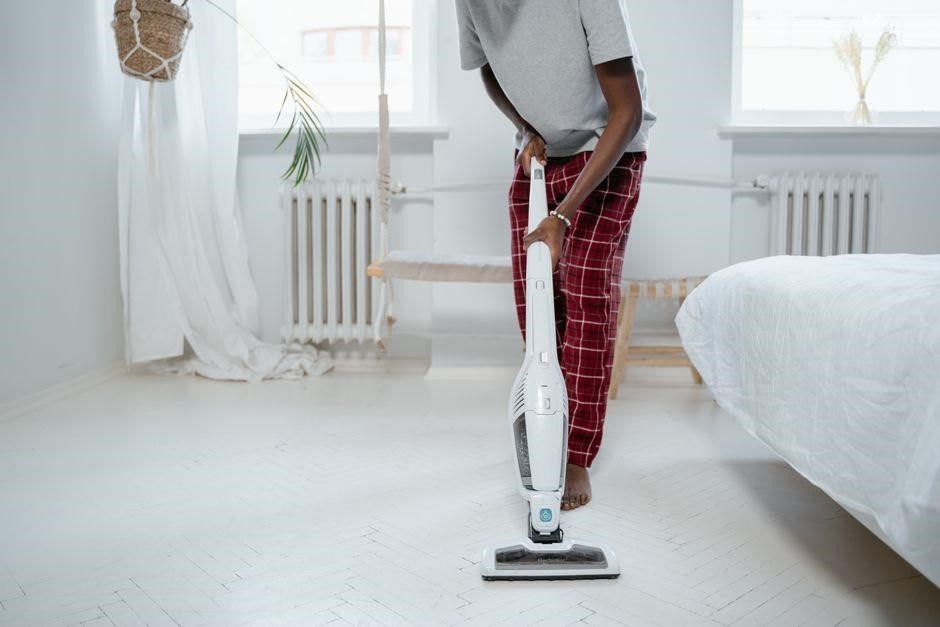
The Shark Navigator DLX UV440 delivers exceptional carpet performance with its powerful suction and specialized brush roll․ Begin by selecting the “Carpet” mode on the control panel; the motor automatically increases suction to lift embedded dirt and pet hair․ The 3‑in‑1 brush roll, featuring nylon bristles and a rubberized edge, agitates carpet fibers, loosening debris without causing wear․ For deep‑cleaning, attach the “Carpet” brush roll and run the vacuum in overlapping passes, allowing the bristles to lift and trap fine particles․ The wand’s suction is strong enough to handle high‑traffic areas, while the base’s motor maintains consistent airflow․ To avoid clogging, regularly inspect the filter; a clogged filter can reduce suction and damage the motor․ The Shark’s “Smart‑Clean” sensor monitors suction levels and alerts you when the filter needs cleaning or replacement; After each use, rinse the brush roll under running water, allowing excess water to drain through the base’s drainage port․ Dry the roll before re‑installing to prevent mold․ The UV‑LED light illuminates hidden stains, making it easier to spot and treat spots before they set․ For pet owners, the anti‑pet hair attachment can be used to remove stubborn fur from carpet fibers․ The Lift‑Away feature allows you to detach the wand and use the handheld vacuum on narrow spaces, ensuring no area is missed․ The ergonomic handle and swivel steering make maneuvering around furniture effortless․ The 0․6‑liter dustbin holds ample debris, reducing the need for frequent emptying․ When cleaning, keep the wand’s brush roll in contact with the carpet to maximize suction․ The Shark’s patented “Lift‑Away” technology also enables cleaning of under‑bed areas and other tight spaces․ Remember to turn off the unit before changing attachments to avoid accidental damage․ Regular maintenance of the brush roll and filter will extend the lifespan of the vacuum and keep it operating at peak efficiency․ The Shark Navigator DLX UV440’s user‑friendly interface displays real‑time suction levels, helping you adjust settings on the fly․ Its lightweight design adds ease to The vacuum’s brush roll is engineered with a dual‑density bristle design that adapts to both low‑pile and high‑pile carpets, ensuring optimal cleaning across varied textures․ Additionally, the built‑in anti‑static feature reduces static cling, preventing dust from re‑attaching to the carpet surface․ Users can also take advantage of the detachable 2‑in‑1 brush roll, which can be swapped for a soft‑bristle roll for delicate rugs․ The Shark’s advanced filtration system captures 99․9% of airborne particles, improving indoor air quality․ For a deeper clean, the vacuum’s “Deep‑Clean” mode can be engaged, which increases suction for a more thorough extraction of embedded dirt․ The Shark’s intuitive LED indicator lights inform you of battery status, filter condition, and any maintenance alerts․ The vacuum’s lightweight design, weighing just under ten pounds, makes it easy to carry between rooms or lift onto a sofa for upholstery cleaning․ The Shark Navigator DLX UV440 also includes a built‑in carrying handle for convenient transportation․ Enjoy daily․
Maintenance and Support
Keep the Shark Navigator DLX clean by regularly emptying the dustbin, rinsing the filter, and inspecting the brush roll․ Replace the filter every 3 months or when the indicator lights up․ For support, visit Shark․com or call customer service at 1‑800‑SHARK‑1․ Enjoy reliable performance․ Keep it tidy․ Now!
Filter Replacement Schedule
The Shark Navigator Lift‑Away DLX UV440 is equipped with a washable, reusable filter that captures fine dust and allergens․ For optimal suction and air quality, the manual recommends checking the filter monthly and rinsing it with lukewarm water․ After rinsing, allow the filter to air‑dry completely for at least 24 hours before reinserting․ If the filter becomes visibly clogged or the indicator light turns amber, replace it with a new filter․ Replacement filters are available through Shark’s official website or authorized retailers․ The filter’s lifespan varies with usage; heavy‑traffic homes may need replacements every 3–4 months, whereas lighter use may extend to 6 months․ Always ensure the unit is powered off and unplugged before handling the filter․ Proper maintenance not only extends the life of the vacuum but also ensures that the motor remains efficient, preventing overheating and maintaining warranty coverage․ For detailed instructions on locating and troubleshooting, refer to the “Filter Replacement Schedule” section in the owner’s manual or contact Shark customer support․
To assess filter performance, perform a quick suction test by placing a small piece of paper over the nozzle and checking for airflow․ If the paper does not move, it indicates a clogged filter․ Store the vacuum in a dry, dust‑free area to prevent contamination․ If you notice a persistent odor, clean the brush roll and check for debris in the wand․ Care is essential for preserving the vacuum’s efficiency and prolonging its operational life․
Warranty and Customer Service
The Shark Navigator Lift‑Away DLX UV440 comes with a one‑year limited warranty covering manufacturing defects and motor failure․ The warranty period starts from the date of purchase and is valid for the original owner only․ To claim warranty, keep the receipt and contact Shark Customer Support via phone at 1‑800‑SHARK‑1 or through the online support portal․ A service technician will assess the issue and, if covered, repair or replace the unit free of charge․ Parts and labor are included for the duration of the warranty․ For extended coverage, Shark offers a 3‑year protection plan available at checkout, which extends coverage to include accidental damage and additional parts․ The warranty does not cover normal wear and tear, misuse, or damage caused by pets, children, or improper maintenance․ Users must follow the maintenance guidelines in the manual, such as regular filter cleaning and brush roll replacement, to keep the warranty valid․ If the unit fails after the warranty period, Shark offers a discounted repair service․ For international customers, warranty terms vary by region; consult the local Shark website for specific details․ For any inquiries, call the dedicated customer service line or email support@shark․com․ The support team provides troubleshooting guides, firmware updates, and replacement part ordering assistance․ All service requests are tracked in the customer portal for transparency quick resolution․ By adhering to the warranty terms and maintaining the unit per manual, owners can enjoy reliable performance and peace of mind․ Thanks․